In this article, I’ll guide you step by step to install Prestashop module from your back office.
- First, you need go to back office of your shop
- Click on Module > Module & Services
- Click on Upload a module
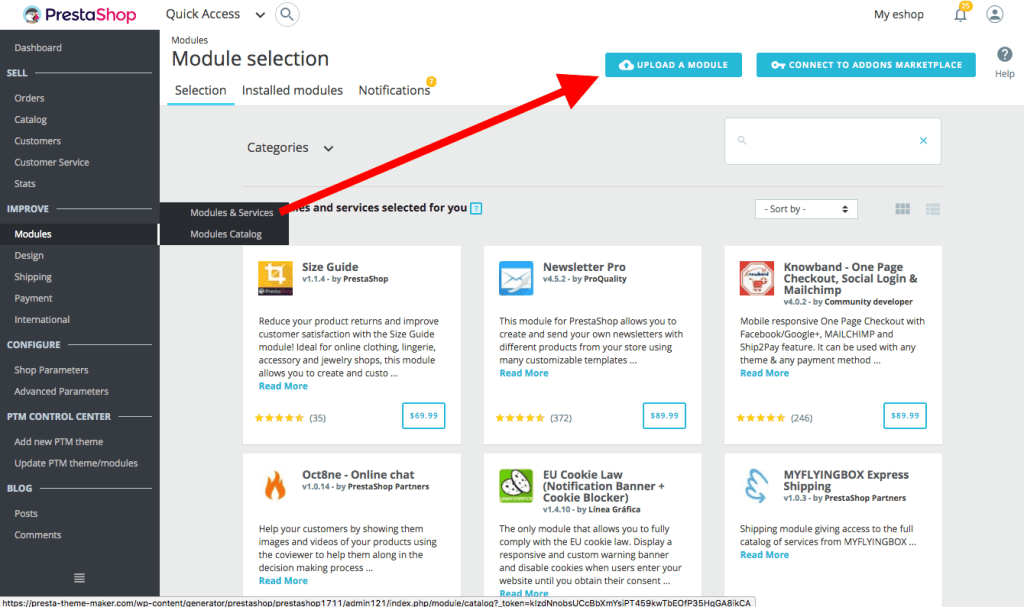
- Click on “Install a module” button
- Click on “select file” button and choose the file of module you want to install
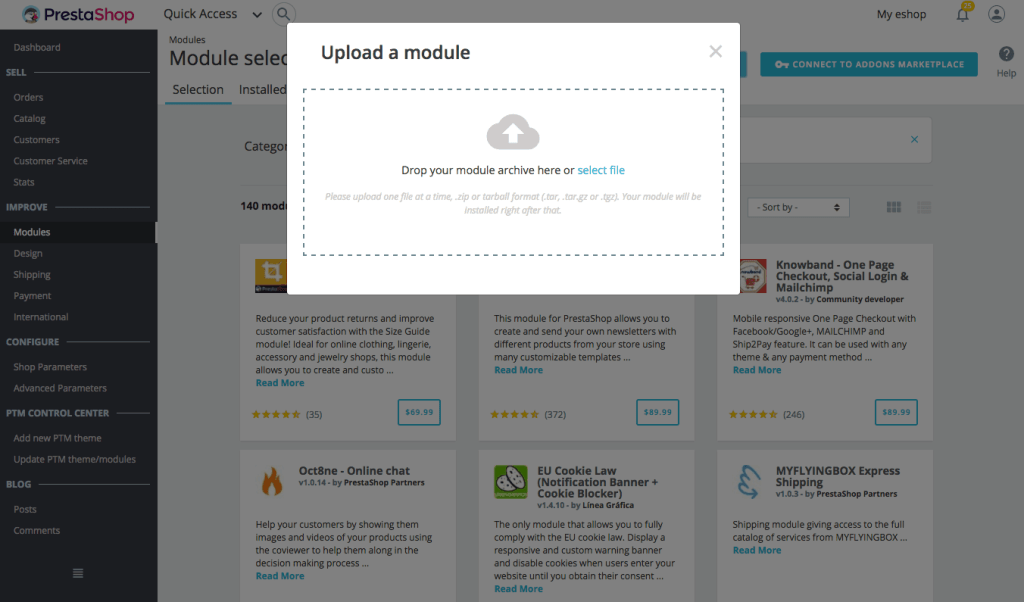
- When you’re done, the module has activated successfully.
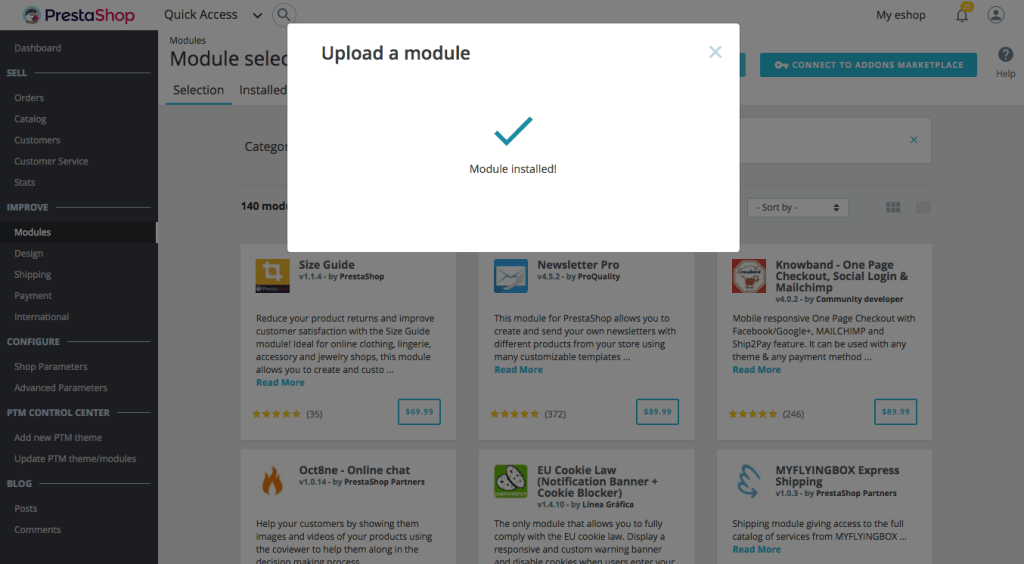
As you see, install a new Prestashop module on Prestashop 1.7 is very simple and easy, it’s only take few minutes of you! If you have any problem while installing your module, please contact me via Prestahero website, I’m very happy to help! Thanks all!
 Prestashop modules & Shopify apps