Although online shopping is far more convenient than visiting a brick-and-mortar store, people tend to be less patient when making purchases over the web. Speed is of the most important factors that affect the sales of a web-store. According to some statistics, online shoppers are not ready to wait more than three seconds for a page to load. Consequently, online stores that prioritize speed make more money and customers.
If you have a Prestashop website, you have many tools available to fine-tune your store’s performance. This article will cover some simple ways to speed up PrestaShop.
- Set up CDN:
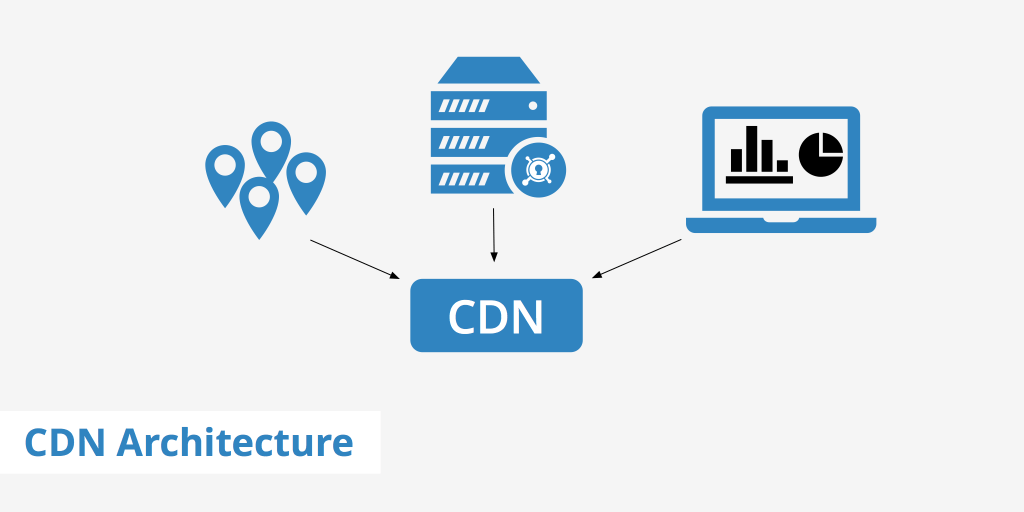
You can take advantage of a content delivery network (CDN) to speed up content delivery. It reduces the loading time between the server and the client who is accessing the website.
Once you set up the CDN, the next step is to input the media service information into PrestaShop. The CDN will cache your website’s static contents across its network of edge servers globally. Therefore, a visitor’s request will be routed to the CDN’s nearest edge server as opposed to going to the original server everytime.
2. Enable CCC:
- Go to your admin panel and click on the “Preferences” tab, then “Performance”, look at the “CCC (Combine, Compress and Cache)” section
- Enable everything except the “High risk HTML compression”
- Extra: You can install Page Cache PRO module on your Prestashop website. This module provides a system analytic tool to help you keep track of installed modules’ performance and give you useful recommendations to further optimize your Prestashop site’s speed.
3. Check that your template engine Smarty is properly configured:
- Go to your admin panel and click on the “Preferences” tab, then “Performance”, look at the “Smarty” section
- Check that “Force compile” is set to false
- Check that “Cache” is set to true
4. Caching system:
PrestaShop has a built-in caching system that substantially speeds up your store loading time. In addition to this, you can install third-party applications like XCache, APC or Memcached. These are some of the valuable tools that can easily be configured on your website.
To enable this, scroll down to the Caching section >> Enable Use cache >> Choose Memcached via PHP::Memcached.
5. Uninstall any unused modules:
Prestashop 1.7 with hundreds modules and features, many of which you don’t need. In this case, you need to uninstall any unused modules you don’t need. Make sure you have only enabled the modules which are needed for your shop.
6. Optimize Product images:
The size and quality of the image have a direct impact on the speed and performance of your website. Thus, you need to optimize them for maximum results:
- Avoid the areas where image alternatives can work fine. For example, you can use appealing font icons for highlighting options or features instead of images.
- For landing pages, products, postsand sliders, you can optimize the images by trying various formats.
- Seek help from different tools to recognize problematic images and remove them right away from your website.
- Don’t use HTML to scale large photos – it takes time for the browser to scale the images and they will look worse than the original.
- Don’t insert too many images to a single article; try splitting it into pagesin case of multiple images.
Extra: You can install Super Speed module – one of product of ETS Soft. Super Speed provides a modern image optimization tool allowing you to optimize all common images available on your Prestashop website. This tool helps reduce the image sizes substantially (up to 60% depending on the image quality you selected in the image optimization process). Therefore, the images will be loaded faster to visitors and save lots of your hosting storage.

PrestaShop is a complete package for a successful eCommerce store – in itself a reliable platform for fast web performance. However, one needs to constantly work on optimizing the store’s speed to boost conversions. By implementing the above tips and strategies, you can considerably work on store optimization and display speedy content or products to the end users. So try them and keep figuring out more ways to optimize your website for higher efficiency and performance.
 Prestashop modules & Shopify apps